Save Reference Footage
Save reference footage into your Clipcat asset library. Paste a link to add it to your library in one click — track progress, and revisit your download history anytime to build a library of reference footage and inspiration.
What is Video Download?
Video Download saves reference footage into your Clipcat asset library. Just paste a TikTok video link into the box and click Download — it automatically parses and downloads the original video to your device in high quality. Every download is logged automatically, with status, video link and creation time at a glance, so you can revisit and re-download anytime. Whether you're saving benchmark videos, building a footage and inspiration library, or archiving your own work, it takes just seconds.
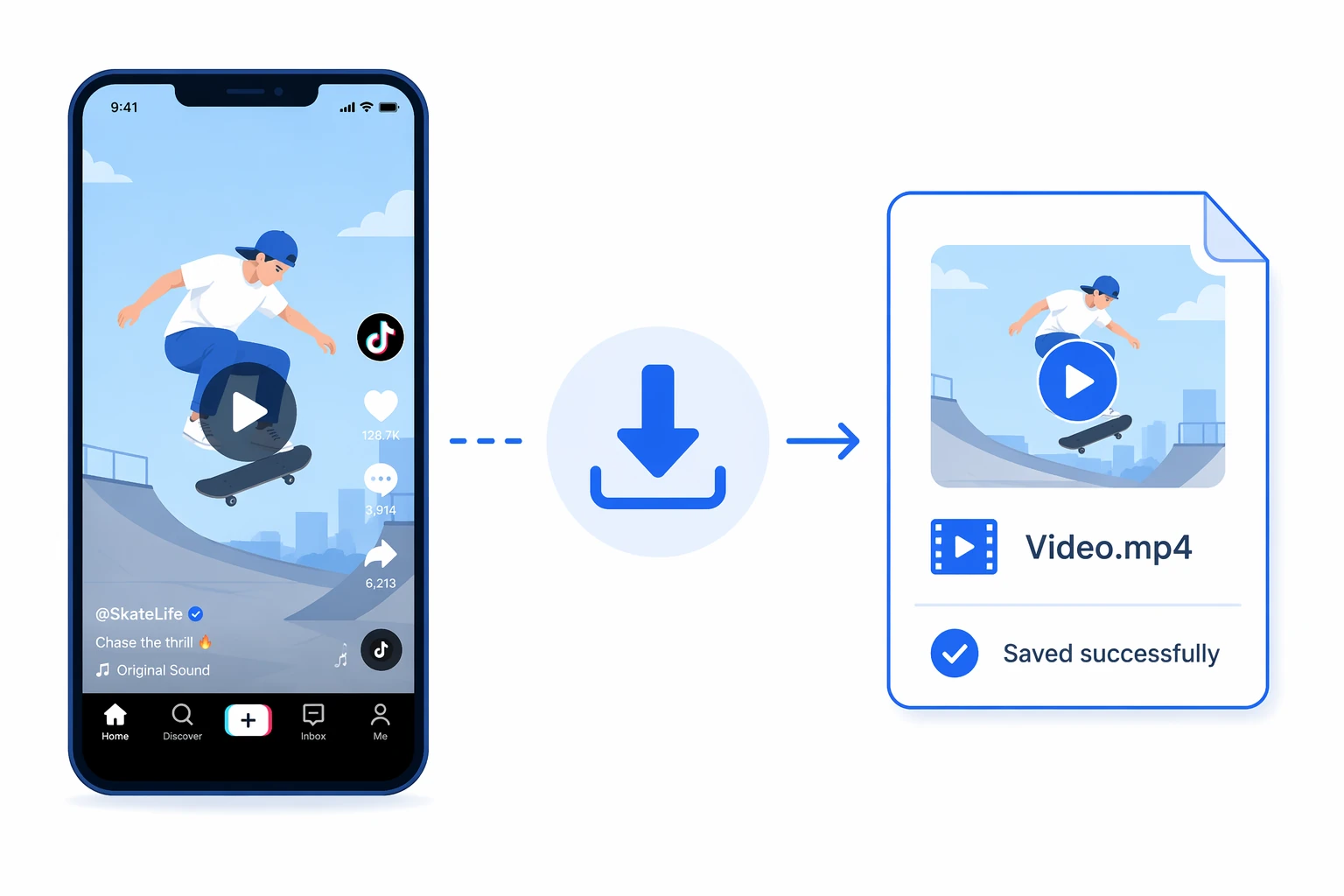
Download a TikTok video in 3 steps
No extra setup. Paste the link and the footage is added to your asset library — the whole thing takes seconds.
Drop in the video link
Open the TikTok video you want to save, copy its share link, and paste it into the box.
Auto-parse and download
Click Download and the system automatically parses and fetches the highest-quality original the source has available.
Revisit anytime
When it's done, save it to your device from the history — past tasks stay searchable and re-downloadable anytime.
A closer look at Video Download
From one-click parse-and-download, to high-quality preservation, to a clear searchable history — easily save every TikTok video you want.
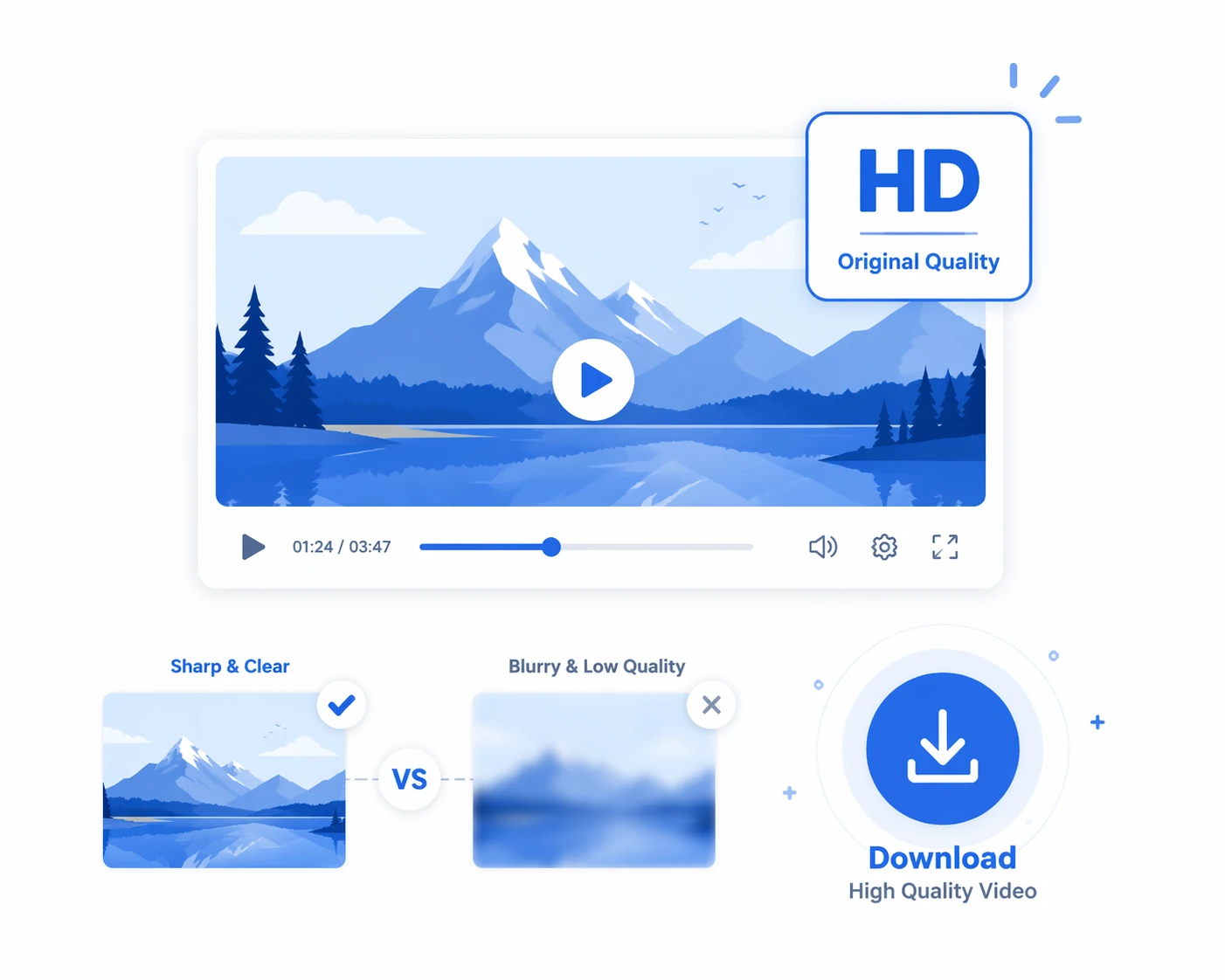
Clear enough to work from
Video Download fetches the highest-resolution version the source has available, preserving the original quality. Whether for re-editing footage or studying the visual detail of a benchmark viral video, you get a clean, complete original.
About download quality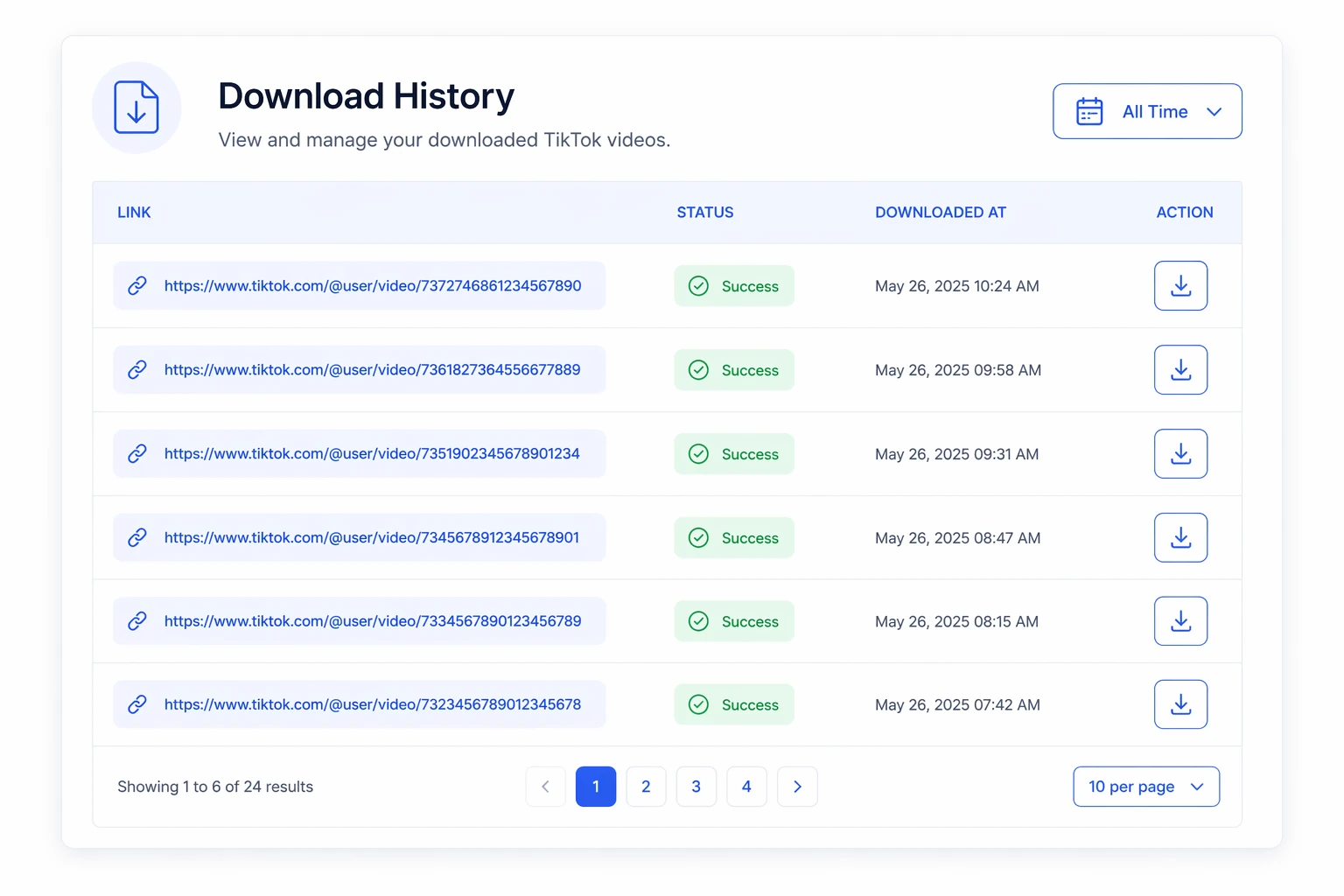
Every download, crystal clear
Every download is logged automatically with its original link, status, video link and creation time. Whether a task is complete is visible at a glance, and you can revisit your history and re-download finished videos anytime — no more worrying about losing them.
View download history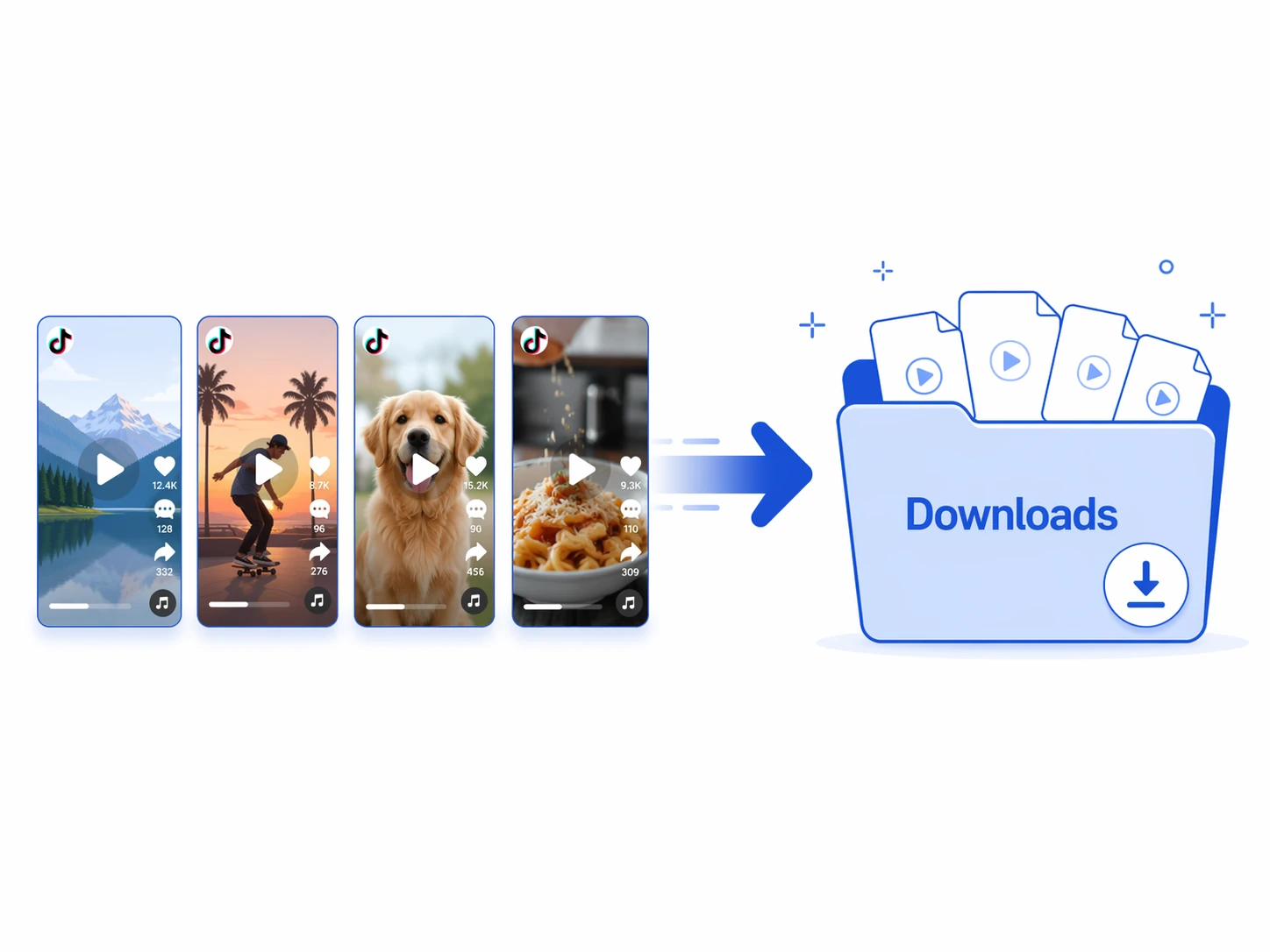
Multiple links, handled one by one
Need more than one clip? Paste and submit links one at a time and they are processed in turn, with every task collected in one download history for unified management. Building a benchmark footage library and your own inspiration bank is effortless.
About processing multiple linksWhy use it to download videos
Keep the reference material for a project in one place instead of scattered across folders and chat threads.
No barrier, instant download
No extra tools to set up — paste a link and the footage lands in your asset library in seconds.
High quality, original preserved
Fetches the highest resolution the source has available, preserving the original quality for later editing and study.
Revisitable, clear history
Your download history is clear at a glance — link, status, time and result all there — so you can revisit and re-download without losing anything.
Who should use Video Download?
From solo creators to brand teams — anyone who needs to save TikTok videos, build a benchmark footage library, or gather inspiration can save serious time with this tool.
TikTok sellers / operators
Save benchmark shopping videos in one click to build your own viral footage library, revisiting them anytime to study techniques and pacing and to replicate scripts more easily.
Marketing / content teams
Save great videos across markets in bulk to build a reference footage library, making the team's benchmark research more systematic and efficient.
Short-video / visual creators
Download videos you like in high quality as a creative reference and inspiration library — the visual detail stays clear, so re-editing and studying are effortless.
Brands / merchant teams
Systematically save benchmark accounts' viral videos into a reusable footage asset, giving content research across multiple lines something to build on.
Cross-border / multi-market teams
Quickly save trending videos from each market, reuse one download across regions, and build a cross-market footage library — doubling ideation and research efficiency.
MCNs / agencies
Download benchmark videos in bulk for many clients and accounts, collected neatly in one download history — delivering research material fast and tidy.
Why they can't do without it: real results from real users
Hear from the sellers, creators and teams who use it to save footage and build inspiration libraries — their stories are full of real time savings and smoother workflows.

Saving benchmark videos used to mean hunting for tools and installing plugins, and half the time it wouldn't even download. Now one link gets me a high-quality download — I built my own viral footage library, and studying techniques is so much easier.

The downloaded videos are nice and sharp — plenty good for re-editing and studying. My favorite part is the download history: whenever I want a clip, I can find it and re-download it right away.

Paste links one after another and save them in bulk — our team built up a whole benchmark footage library. Studying content styles across markets is grounded in real material now, and efficiency is clearly up.

We run over a dozen accounts, and saving videos used to be all manual grunt work. Now bulk downloading handles it in one go with a clean history — our speed and tidiness delivering research material went up a level.

As a brand, saving viral videos from each market matters. It downloads reliably in sharp quality and keeps a revisitable history, making the team's benchmark research more systematic and less painful.

Zero background needed — one link and I've saved the video I like, in good quality too. It's saved me a ton of time hunting for tools and trial-and-error.
About Video Download
Just paste a TikTok video link into the box and click Download. The system automatically parses and downloads the original in high quality, and you can save it to your device straight from the download history when it's done.
Video Download supports downloading via TikTok video links — paste a link to parse and save the original video.
Video Download fetches the highest-resolution version the source has available, preserving the original quality — handy for re-editing, studying benchmark footage, or building an inspiration library.
Yes. Every download is logged in the list with its original link, status, video link and creation time, so you can revisit and re-download finished videos anytime.
Yes — submit multiple links one at a time and the system parses and downloads them in turn, with every task collected in the download history for unified management and saving.
Paste one link, download TikTok videos in high quality
Paste a TikTok video link to save the original to your device in one click, with a download history you can revisit anytime — easily build your library of reference footage and inspiration.