AI Avatar Video
Generate an AI avatar or upload a photo to create a digital human that looks just like a real person—indistinguishable from the real thing. Set it up once, and it stays on-camera in every video you make. No filming, no real presenter.
Keep publishing daily—without ever stepping on camera
Booking creators, filming yourself, endless reshoots—it all costs time and money, and it's nearly impossible to scale.
What you need is a digital human that looks just like a real person and can stay on-camera consistently, set up once and ready to present for you forever.
How does AI Avatar Video work?
Create a photorealistic digital human, keep it on-camera, and generate your videos on every top model.
Generate with AI or upload a photo—your avatar looks just like a real person
Generate a brand-new avatar look with AI, or upload a photo to create a matching digital human. Expressions, lip-sync, and mannerisms feel completely natural—impossible to tell it's AI.
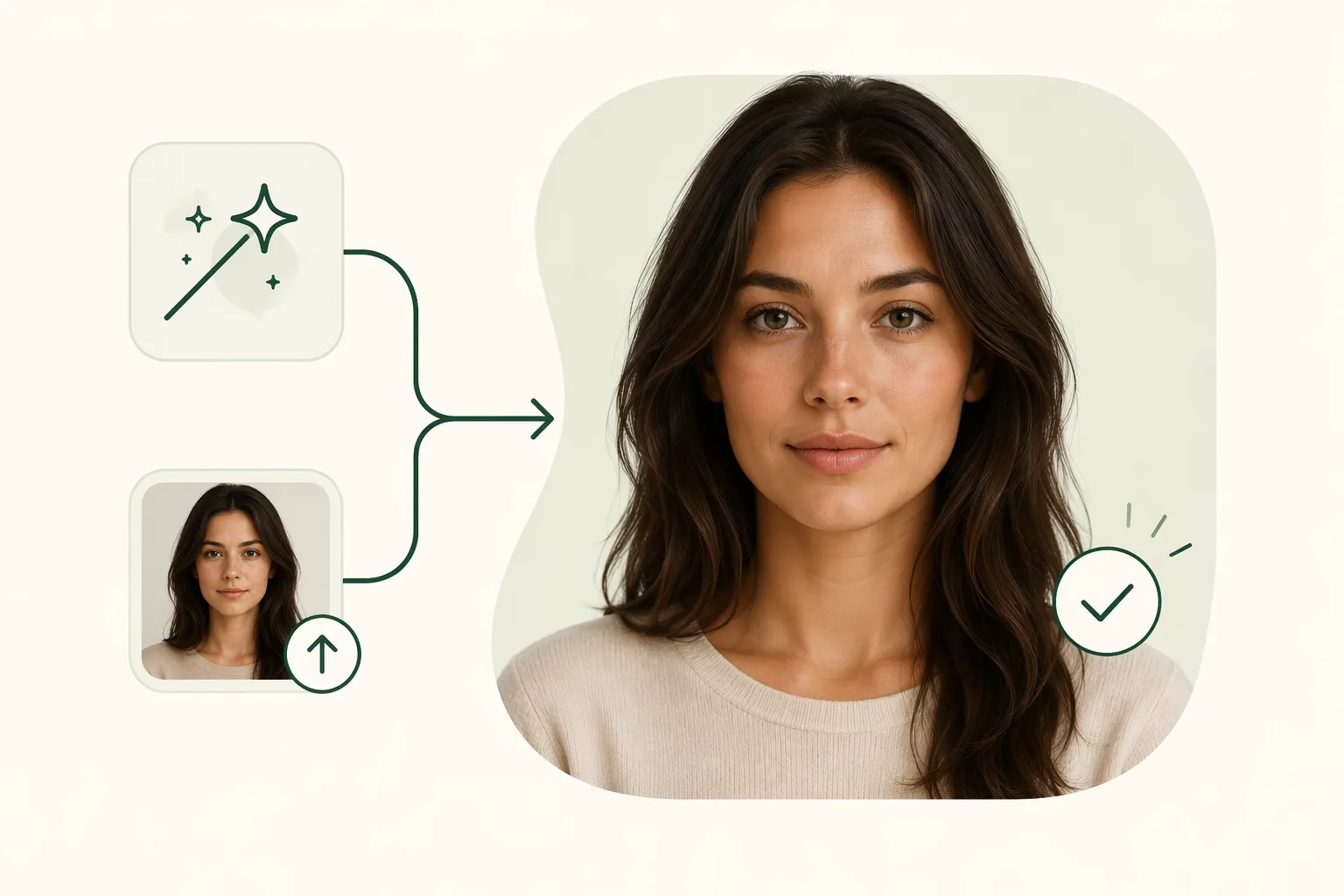
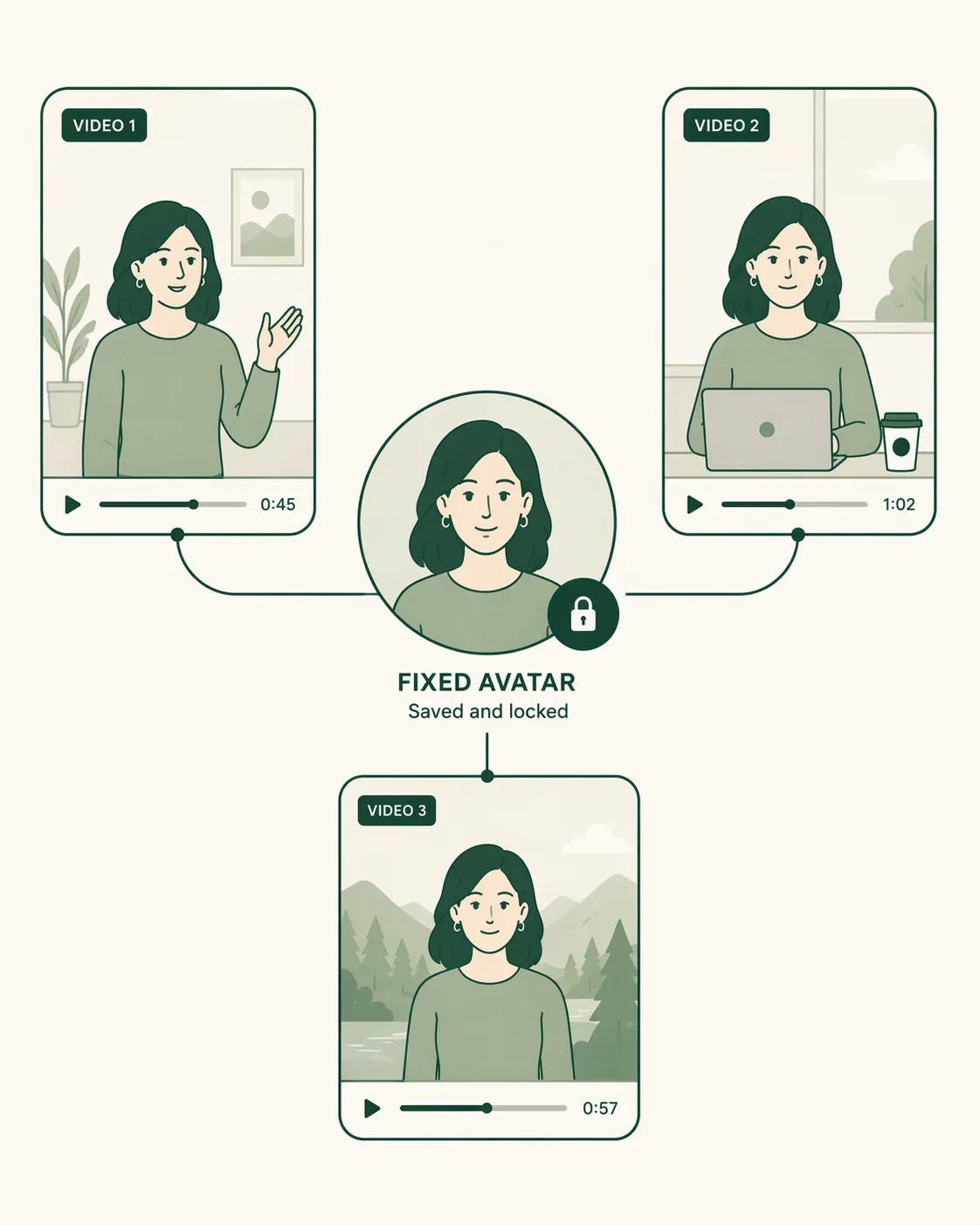
Set it up once—your avatar appears in every video
The experience is minimal: once created, your avatar is saved automatically. Every video you generate afterward can feature the same avatar on-camera, keeping the look and style consistent and building a stable persona.
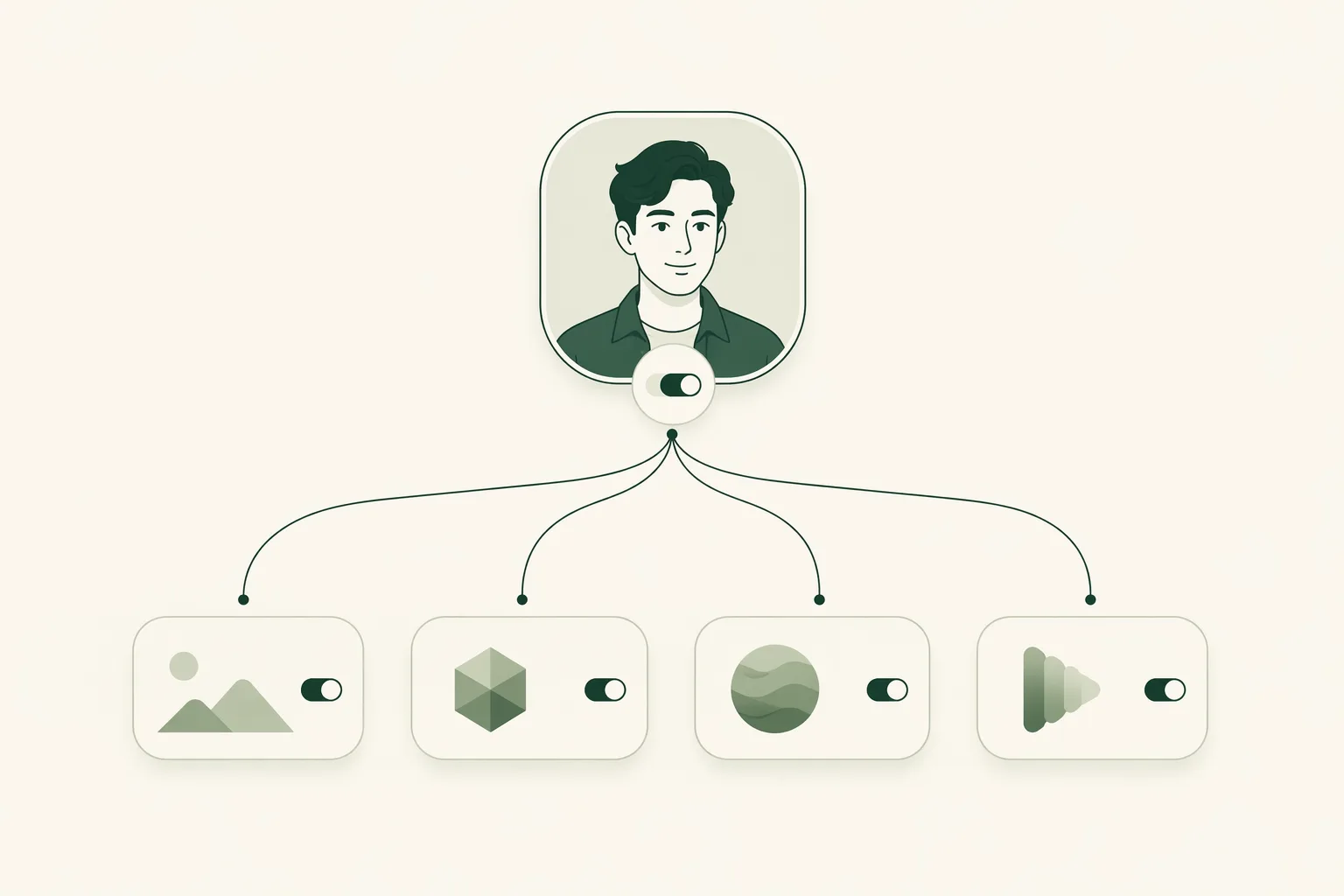
Compatible with every top video model
Run the same avatar on whichever model produces the best result. Switch freely by budget and visual style—compatible with Seedance 2.0, Grok Imagine 1.5, Veo 3.1, Sora 2, and every other leading top model in the industry.
Create your avatar in three steps
Generate or upload, save your on-camera look, generate in one click—no filming, no real presenter.
Generate or Upload
Generate an avatar with AI, or upload a local photo, and get a photorealistic digital human in minutes.
Save Your On-Camera Look
Save your avatar and it will appear on-camera in every video you generate afterward, with a consistent look.
Generate Your Video
Enter a script or an idea, pick a model (Seedance 2.0 / Veo 3.1 / Sora 2, etc.), and click generate to download the MP4.
Why use an AI avatar instead of filming in person?
Nail your on-camera presence once, then reuse it endlessly—saving the time and cost of filming.
Photorealistic
Your avatar's expressions and lip-sync feel completely natural, just like a real person—impossible to tell it's AI-generated.
No Real Presenter Needed
No booking creators, no filming yourself, no camera equipment—one person can keep producing content solo.
Consistent Look
Your avatar stays on-camera, keeping the look and style unified across a series and building a stable persona.
Minimal Setup
Generate or upload one photo to create your avatar, then just select it going forward—no need to set up again.
Switch Models Freely
Choose from Seedance 2.0, Grok, Veo 3.1, and Sora 2—generate different visual styles from the same avatar.
Produce On Demand
Your avatar never needs scheduling and never gets tired—update whenever you want, and post daily with ease.
Clipcat Avatar vs. Filming in Person
Both put a presenter on camera, but an avatar is created once and reused forever—cheaper, more consistent, and faster.
| Capability | Clipcat Avatar | Filming in Person |
|---|---|---|
| On-camera method | Create an avatar with AI or an uploaded photo | Book a creator or film yourself |
| Look & feel | Looks just like a real person, nearly undetectable | Real, but costly and hard to reuse |
| Consistency | Avatar stays on-camera, unified look across a series | Different people or settings make consistency hard |
| Production speed | Generated in minutes, produce on demand | Scheduling, filming, editing—a long cycle |
| Video models | Switch freely across Seedance 2.0 · Grok · Veo 3.1 · Sora 2 | Model-independent, limited by filming conditions |
| Barrier to entry | Just generate or upload one photo—zero filming | Needs equipment, location, crew, and post-production |
Who is AI Avatar Video for?
For anyone who wants to keep producing talking-head and shopping videos without stepping on camera.
Cross-border e-commerce sellers
No on-camera time and no filming crew needed—let your avatar pitch the product and keep producing shopping clips.
Performance & growth teams
Batch-produce talking-head assets with an avatar for A/B testing, with a consistent look and fast volume.
Creators & UGC makers
Lock the same avatar look for a stable persona, turning your account into serialized content.
Marketing & agency operators
Build a dedicated avatar for each client and deliver talking-head videos at scale with controllable quality.
DTC & independent-store brands
Use a consistent avatar to present new products, keep producing high-quality videos, and lift conversion.
Individuals launching a new account
No filming experience needed—upload one photo and start producing with your own avatar.
See what creators say about AI Avatar Video
Real feedback from users who make videos with an avatar on Clipcat every day.
“I uploaded a photo of myself, and the avatar it generated looked exactly like me—even my coworkers couldn't tell it was AI.”

“The consistent on-camera presence is the key thing. The same avatar stays identical across dozens of videos—our account's persona finally feels stable.”

“I used to have to book creators and wait for their schedule. Now my avatar is ready on demand—I post daily without ever waiting on filming.”

“Set it up once and you're done—every video after that, I just pick this avatar. The whole flow is simple enough that no training is needed.”

“Being able to switch models freely is a bonus. I generate the same avatar on both Veo and Seedance, then run ads with whichever looks best.”

“We build a dedicated avatar for each client and batch-produce talking-head videos—delivery is fast and the look stays consistent.”

Frequently asked questions
The questions most often asked about AI avatar videos.
An AI avatar video uses an AI-generated virtual character to stand in for a real, on-camera presenter. On Clipcat, you can generate an avatar with AI, or upload a local photo to create one, then have it present shopping, talking-head, and explainer videos for you—no real presenter and no filming equipment required.
Clipcat's avatar looks just like a real person—facial expressions, lip-sync, and mannerisms all feel completely natural, and it's nearly impossible to tell it's AI-generated. You can generate a brand-new avatar look directly with AI, or upload a photo of yourself or someone else to create an avatar that closely resembles the person in the photo.
Yes. Once your avatar is set up, it's saved, and you can have the same avatar stay on-camera across every video you generate on Clipcat, keeping its look, appearance, and style consistent—ideal for building a stable account persona and serialized content.
It's very simple and requires no technical or filming experience. Just choose to generate an avatar with AI or upload a photo, and your avatar is ready in minutes; after that, you simply select this avatar every time you make a video—no need to set it up again.
AI Avatar Video is compatible with all top video models, including Seedance 2.0, Grok Imagine 1.5, Veo 3.1, and Sora 2. You can switch freely by budget and visual style, letting the same avatar generate the best fit on different models.
Your uploaded photo is only used to generate your own avatar. Please make sure you have the legal right to use any photo you upload (such as your own photo or an image you're authorized to use), and avoid using someone else's likeness for unauthorized purposes.
Yes. AI Avatar Video outputs in 9:16 vertical by default, suited to short-video feeds; once generated, download the MP4 and publish it directly to TikTok, Instagram Reels, YouTube Shorts, and more.
AI Avatar Video is for anyone who doesn't want to appear on camera themselves but still needs to keep producing talking-head and shopping videos, including cross-border e-commerce sellers, ad and growth teams, creators and UGC makers, marketing and agency operators, DTC and independent-store brands, and individuals looking to quickly launch a new account.
It only takes three steps: first, generate an avatar with AI or upload a local photo to create one; second, save the avatar so it stays on-camera in every video you generate afterward; third, enter a script or an idea, pick a video model, and click generate to get a finished video featuring your avatar.
Create your avatar and let it go on-camera for you
Generate an avatar with AI or upload a photo, get a photorealistic digital human in minutes, and make your first video in one click.