Seedance 2.5 is live—create with it on Clipcat now
Up to 30-second single takes and 50 multimodal references—turn a product photo into a shopping video.
Seedance 2.5 is ready—just open the box and generate
Viral shopping videos made on Clipcat.ai
These are real shopping clips Clipcat users generated with Seedance 2.0. Switch to Seedance 2.5 and the same workflow gets you single takes up to 30 seconds.
Muted, looping autoplay by default · Hover to pause · Click the speaker icon to turn on sound
What's new in Seedance 2.5?
Seedance 2.5 focuses on longer single clips, richer reference control, and a smoother path from prompt to usable footage.
30-second single generation: one ad, one pass
Generate a complete clip up to 30 seconds in a single take—no stitching. From opening to product highlight to close, it's done in one pass, with picture, lighting, and character consistent throughout—ideal for shopping videos and brand ads with narrative pacing.

Up to 50 multimodal references: anchor products, people, and style together
A single generation can combine up to 50 multimodal references: 30 images, 10 videos, and 10 audio clips. Upload a reference for each product, logo, scene, and on-camera person to keep character and product details consistent throughout, and lay out a complex brief in one go.

First/last-frame control + ~20% better prompt adherence
Upload a first frame (and optionally a last frame) so the opening and closing shots follow your images while the model fills in the camera work and motion between them—great for showing a product from packaging to in-hand. Public information indicates prompt adherence improves ~20% over 2.0, so complex briefs with camera work and character motion land more easily in one pass.

Native audio-video sync: sound and picture generated together
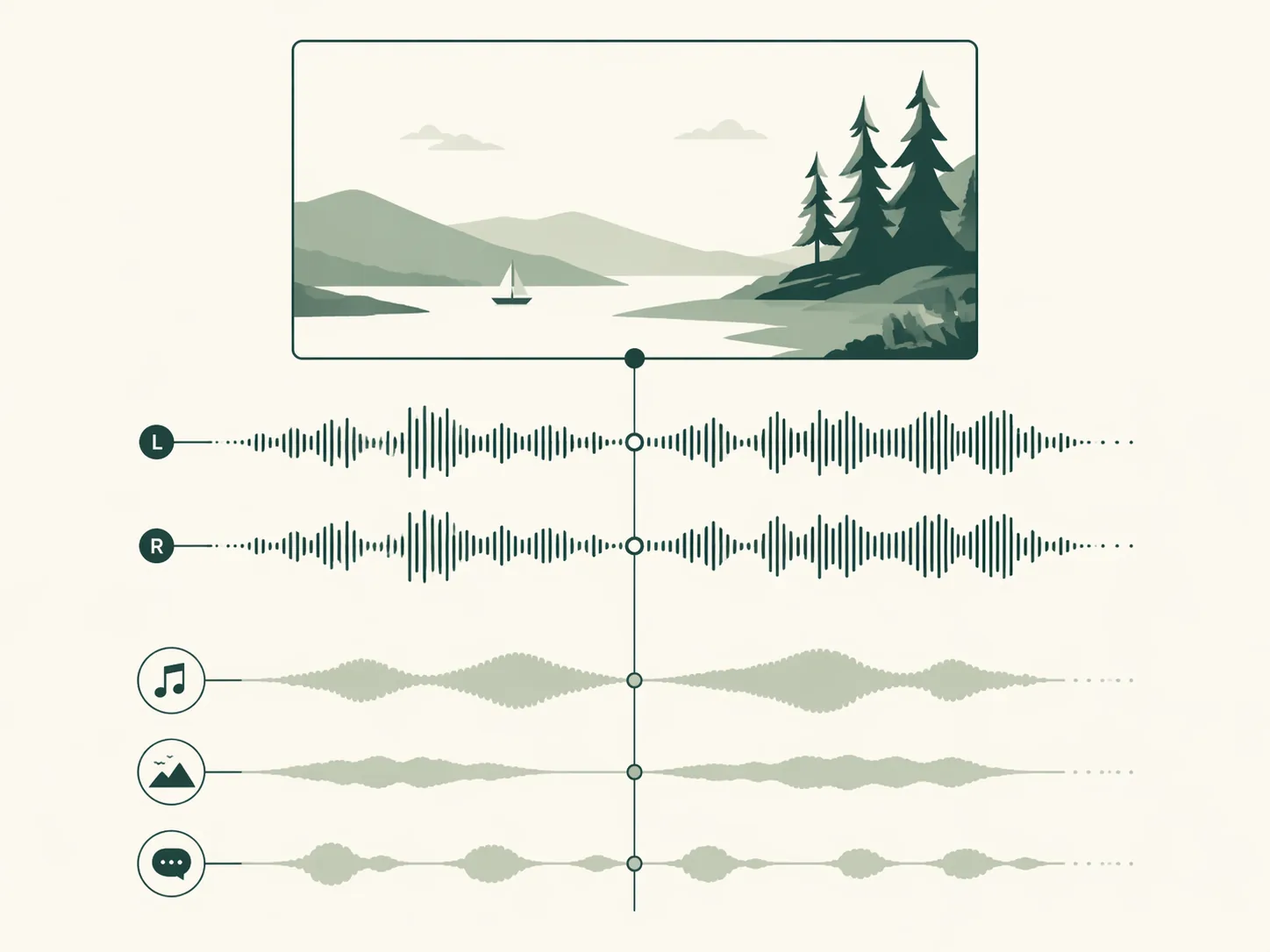
Audio and video are produced together in a single generation, with footsteps, ambience, and material sounds precisely matched to the picture—no separate dubbing or post mixing, especially handy for voiceover, unboxing, and shopping videos. You can also upload up to 10 reference audio clips so music and voiceover pacing follow your material.
Seedance 2.5 vs. Seedance 2.0
2.5 is the upgrade to 2.0, and both are available on Clipcat right now: pick 2.5 for longer, more controllable footage, or 2.0 for 1080P or lower-cost short clips.
| Dimension | Seedance 2.5 | Seedance 2.0 |
|---|---|---|
| Single clip duration | 4–30s, up to a 30-second single takeUpgraded | 4–15s |
| Reference inputs | Up to 50: 30 images / 10 videos / 10 audioUpgraded | Up to 9 images / 3 videos / 3 audio |
| Prompt adherence | ~20% better than 2.0Upgraded | The comparison baseline |
| Resolution (on Clipcat) | 480P / 720P | 480P / 720P / 1080P |
| Audio | Native audio-video sync, up to 10 reference audio clips | Dual-channel stereo, multi-track sync |
| Availability on Clipcat | Live now, for paid members | Live now |
| Best for | Longer, more controllable shopping/ad long-form | Cost-efficient shopping clips at 1080P or under 15 seconds |
Three steps to use Seedance 2.5
Seedance 2.5 is live on Clipcat—upload a product photo, pick the model, and generate.
Sign up and choose a plan
Start right in the box above. Seedance 2.5 is available to paid members—pick a plan after signing up to unlock it.
Upload a product photo and describe the scene
Upload product photos or a reference video and spell out the selling points, scene, and pacing; add a first / last frame when you need tighter control. Choose Seedance 2.5, set 480P or 720P, and pick any length from 4–30 seconds.
Get up to 30 seconds in one pass
Submit and get finished footage with native audio—one 30-second take covers the opening, selling points, and close. Want a shorter, cheaper version? Switch back to Seedance 2.0 in the model menu anytime.
Who is Seedance 2.5 best for?
If you make shopping, ad, or long-form videos, 30-second single takes and 50 multimodal references will noticeably change your workflow.
Cross-border e-commerce sellers
You want a single take that covers the opening, selling points, and close in one go. Make 30-second shopping films directly with Seedance 2.5—no stitching multiple clips.
Ad and growth teams
You need lots of creatives for A/B testing. ~20% better prompt adherence plus first/last-frame control mean fewer reworks on complex briefs and faster creative validation.
Content and UGC creators
Character consistency matters most for long product videos. 50 multimodal references let you anchor materials for each person and product, keeping multi-person scenes stable from start to finish.
Social media agencies
Running multiple stores and platforms, you need steady capacity. Queue-free full-speed rendering, 2.5 for long clips and 2.0 for short ones—one platform covers it all.
Brands and agencies
You need moving concept films to show clients. A 30-second single take is enough to judge pacing, and first/last frames keep the opening and closing shots on storyboard.
Individual sellers trying it out
No editing experience but you want the latest model. Upload a product photo, write one line about what you need, and make your shop's first Seedance 2.5 shopping video.
Why use Seedance 2.5 on Clipcat?
Among the first to launch as an official partner, plus the viral algorithm, cost-efficient options, and queue-free capacity—so 2.5's new capabilities turn straight into shopping videos you can run.
Official partner, among the first to launch
As a Seedance official partner, Clipcat was among the first to launch 2.5 after release—open the input box and start using it.
2.5 and 2.0 on one platform
Use 2.5 for 30-second long clips and 2.0 for 1080P or lower-cost short clips—switch in the model menu with one click, same workflow, nothing new to learn.
720P cost-efficient savings
An exclusive cost-efficient resolution option, priced far below comparable products, helps merchants bring video production costs down.
Viral-algorithm same-style replication
Upload a reference video or paste a TikTok link to quickly make same-style viral shopping videos with Clipcat's viral algorithm.
Real-person on-camera · no queue
Supports real-person on-camera output, with full-speed compute and no queue for faster video output—more efficient batch production and steady, reliable capacity.
Up to 50 multimodal references
Up to 30 images + 10 videos + 10 audio clips per generation—anchor products, people, style, and music together and lay out a complex brief in one go.
Creators are already making videos on Clipcat
Real feedback from people who make shopping videos with the latest Seedance models on Clipcat every day.
"A shopping video used to mean stitching three or four clips. With Seedance 2.5, one 30-second take covers the opening, ingredients, and on-skin results—I've cut editing time by more than half."

"2.5 for long clips, 2.0 at 720P for short ones—switching in the same model menu lets us match cost and quality to each campaign."

"Multi-person scenes were my biggest headache. 2.5 takes up to 30 reference images at once, so every person and product stays anchored and faces don't drift across the clip."

"Launching across five stores at once, 2.5 still renders at full speed with no queue—we batch out 30-second clips the same day."

"With client ads, the opening and ending are the hardest to control. 2.5's first and last frames follow our storyboard while the model handles the camera work in between—far fewer revision rounds."

"Sound and picture are generated together—the film peel and button clicks in our unboxing clips line up perfectly, no separate voiceover needed."

Frequently asked questions about Seedance 2.5
We've compiled the questions people searching for Seedance 2.5 care about most.
Seedance 2.5 is ByteDance's new-generation AI video model, now live on Clipcat. Compared with Seedance 2.0, it focuses on longer single clips and richer reference inputs: single takes up to 30 seconds, up to 50 multimodal references (images, video, audio), and—according to public information—~20% better prompt adherence than 2.0. On Clipcat you can choose 480P / 720P and any length from 4–30 seconds, with both multimodal-reference and first/last-frame generation.
Yes, it's live. As a Seedance official partner, Clipcat was among the first to open Seedance 2.5: upload a product photo in the box above, describe the shopping scene, and choose Seedance 2.5 as the model. Seedance 2.5 is available to paid members, billed per second, with 480P / 720P and any length from 4–30 seconds.
Clipcat is a Seedance official partner and among the first to launch 2.5; the same platform also offers Seedance 2.0 and other models you can switch to anytime. Together with viral-algorithm same-style replication, an exclusive cost-efficient 720P option, real-person on-camera output, and full-speed no-queue rendering, 2.5's new capabilities turn straight into shopping and ad videos you can run.
Public information indicates three main upgrades in Seedance 2.5: single-clip duration goes from ~15 seconds to a 30-second single take; reference input capacity expands from around a dozen to up to 50 multimodal materials; and prompt adherence improves ~20%. Public information also mentions region-level local editing and 3D white-model input, which Clipcat doesn't offer yet. If you need 1080P or clips under 15 seconds, Seedance 2.0 remains the cost-efficient choice.
Absolutely. A 30-second single take lets one ad complete the opening, product highlight, and close in a single generation, with picture and lighting consistent from start to finish; up to 50 multimodal references can anchor products, logos, color tone, scenes, and multiple people at once; first/last frames keep the opening and closing shots exactly on your images. These capabilities naturally fit long shopping videos, product ads, and multi-person scenes.
Step one, create a Clipcat account and choose a plan; step two, upload a product photo in the input box, describe the shopping scene, select Seedance 2.5 in the model menu, and set the resolution (480P / 720P) and length (4–30 seconds); step three, submit—the output comes with native audio and is ready to download and run. For tighter control, you can also upload a first / last frame in video generation mode.
Seedance 2.5 is live—make your shopping video now
Clipcat, an official partner, is among the first to launch Seedance 2.5. Upload a product photo and get a single-take shopping video up to 30 seconds long.
Try it now