Italy · Toys & Hobbies · Real Review
 @The Fun Finds▶ 129K
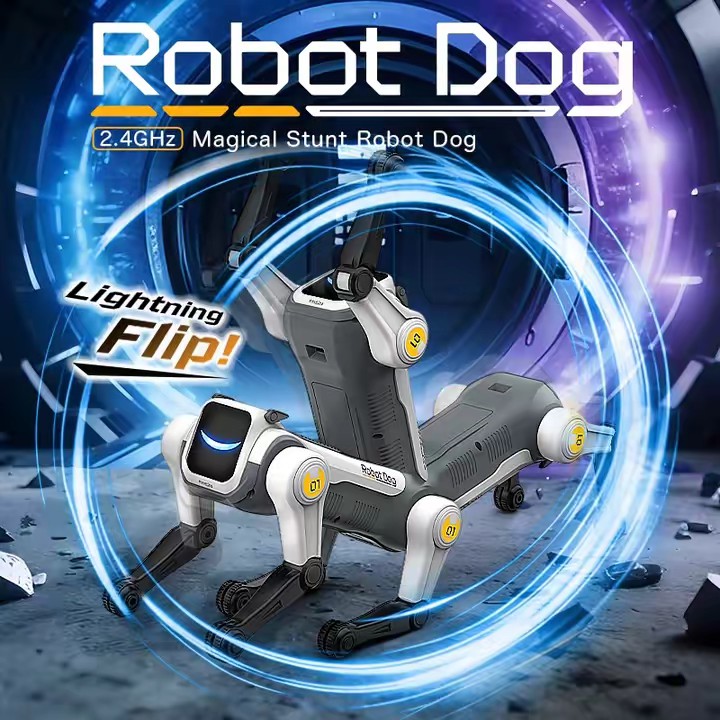
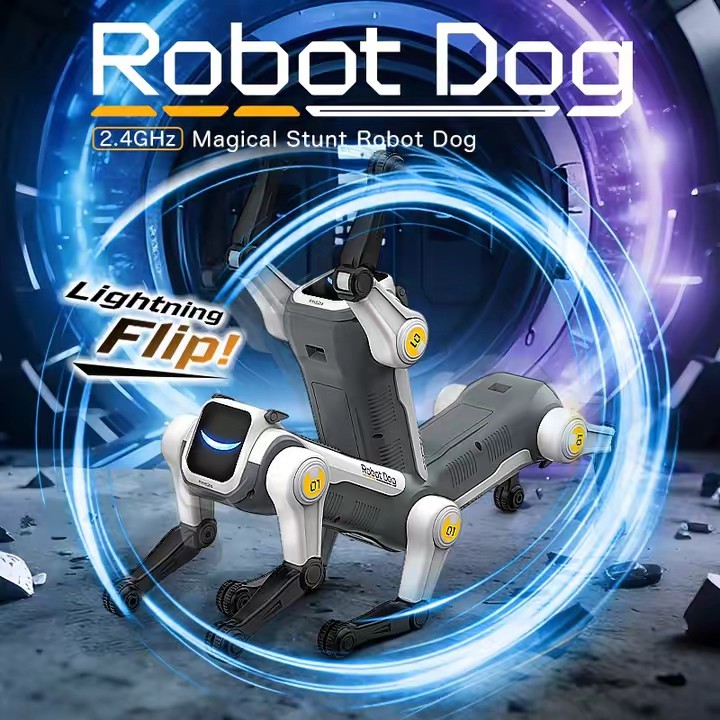
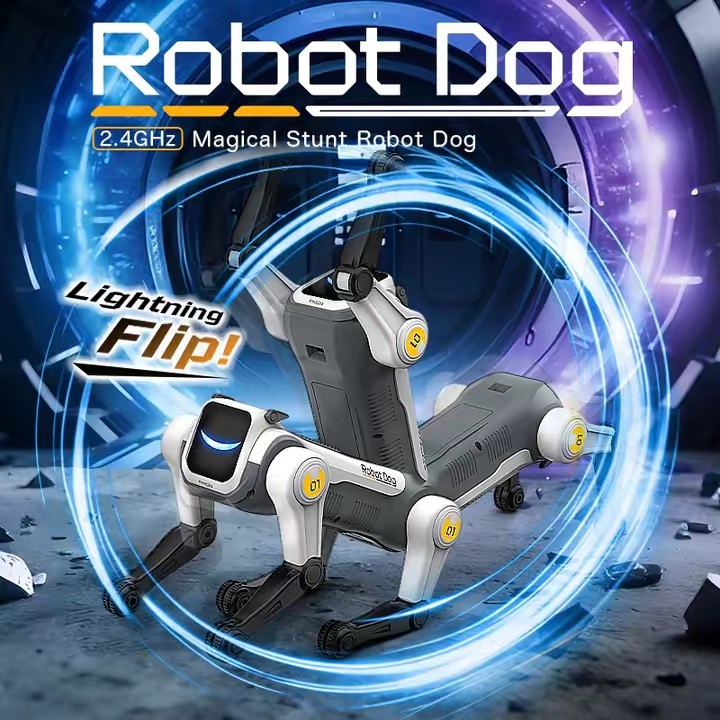
Giocattolo cane robot elettrico con telecomando, cucciolo di robot realistico, cane meccanico bionico controllato con voce, regalo unisex con batterie incluse #CaneRobot #GiocattoloElettronico #Telecomando #IdeeRegalo #Giocattoli
In a sunlit home study during the day, a low-angle shot captures a gray four-legged robot landing from the air and powering on. A host’s hands with a black wristband unbox a brown courier box to take out the robot, then use a white remote shaped like a robot dog to operate it, making the robot move. Finally, the robot walks and turns flexibly on the tile floor, with the camera zooming in on its face, creating a fast-paced real unboxing review atmosphere.
[Style]: Realistic unboxing review style, balancing a tech-savvy feel with everyday life filming texture. Highlights in the frame are natural and soft, the technological details of the robot are presented clearly and sharply, the overall atmosphere is that of an authentic, recommendation-focused short video.
[Environment]: A sunlit home study during the daytime, with light beige polished tile flooring indoors. In the background there is a wheeled ergonomic office chair, a white desk with drawers, and a wooden bookshelf filled with books. Sunlight from the window casts bright light and shadow patterns on the floor, the space is neat and warm.
[Tone & Pacing]: Energetic digital product unboxing review style, with a fast, tight pace. The entire process from the robot's reveal, unboxing to feature demonstration flows smoothly and naturally. The creator's mood transitions gradually from surprise and curiosity to admiration and excitement, highly infectious.
[Camera]: The entire video uses a low-angle upward shot close to the tile floor. Starting from a fixed full shot, the camera slowly dollys in following the robot's movements, pans left and right, then cuts to close-up shots focusing on the robot's facial screen and remote control buttons. Camera movement is fluid and smooth.
[Lighting]: Abundant natural daylight pours in through the study's floor-to-ceiling windows, casting multiple bright long light streaks on the light beige tile floor. The light is even and soft, clearly accentuating the texture of the robot's gray-white body, with no harsh shadows. The frame is bright and clear.
[Character]: A 25-30 year old Caucasian male young digital enthusiast, only his clean, neat hands and part of his forearm are visible. His arm lines are well-proportioned, he wears casual everyday clothing, and a simple black sports band on his wrist. He has a strong sense of curiosity, his movements are skilled and natural, and his emotion of surprise and admiration is conveyed through voiceover.

[Shots]
Shot 1:
  - Duration: 0.0sec - 3.5sec
  - Scene Type: Build suspense
  - Scene: Low camera angle facing the sun-dappled beige tile floor, with a neat home study scene in the background. A gray-white quadruped robot lands steadily from the air, stretches its limbs to stand firm, a blue smiling line lights up on its facial screen to complete its startup reveal, then the robot slightly adjusts its standing posture. The camera moves slowly forward from the initial fixed full shot, following the robot's landing motion to focus on the robot's face.
  - Subject: *throwing*
Shot 2:
  - Duration: 3.5sec - 6.0sec
  - Scene Type: Unboxing
  - Scene: The frame cuts to the unboxing scene. The creator's hands wearing the black sports band are opening the lid of a brown express shipping carton, taking out the white foam inner lining inside, lifting the robot out of the carton and placing it on the floor. Then the frame cuts back to a close-up of the standing robot, which keeps its four legs stably planted, with the blue smiling light on its face staying lit. The camera uses a medium close-up, focusing on the unboxing hand movements and the robot's body details.
  - Subject: Do you hear it?
Shot 3:
  - Duration: 6.0sec - 9.0sec
  - Scene Type: Creator hands-on testing experience
  - Scene: The creator's hand holding a white remote control shaped to mimic the outline of a robotic dog enters the frame. A red indicator light is lit on the top of the remote, and fingers press different function buttons on the remote one by one. The robot in the background performs corresponding actions in response. Then the frame cuts to a front close-up of the robot, its head turns toward the camera, the blue smiling light on its face is clear and prominent. The camera slowly pulls back from the close-up focused on the remote control buttons to a full front shot of the robot.
  - Subject: So, Look at this...
Shot 4:
  - Duration: 9.0sec - 15.5sec
  - Scene Type: Product effectiveness demonstration
  - Scene: The robot flexibly walks forward and turns on the tile floor, performing different movement postures. The creator presses the remote control button again, the robot stops moving and stands steadily facing the camera. The camera keeps moving forward, finally ending on a tight close-up of the robot's blue smiling facial screen. The camera pans left and right following the robot's movement trajectory, and finally slowly pushes forward to complete the closing shot.
  - Subject: Okay. them. too strong.
[Background Sound]:
- No background music, full audio consists of on-location recorded ambient sounds: at the start there is a mechanical/object impact sound similar to a click or a thud, in the middle section there is the rustling sound of quickly flipping paper or plastic packaging, paired with excited, surprised spoken Italian dialogue 'Ma avete sentito? Guardate qui! Troppo forte!', the whole scene is full of authentic, immediate on-site presence, highlighting the genuine impact of the product showcase.
[Transition / Editing]:
- Smooth scene jump editing is used, transitioning naturally from the robot reveal scene to the unboxing scene, then connecting to the remote control feature demonstration segment. The editing rhythm is fast and coherent, with no harsh hard cuts throughout, following the classic narrative logic of digital unboxing short videos.
@The Fun Finds▶ 129K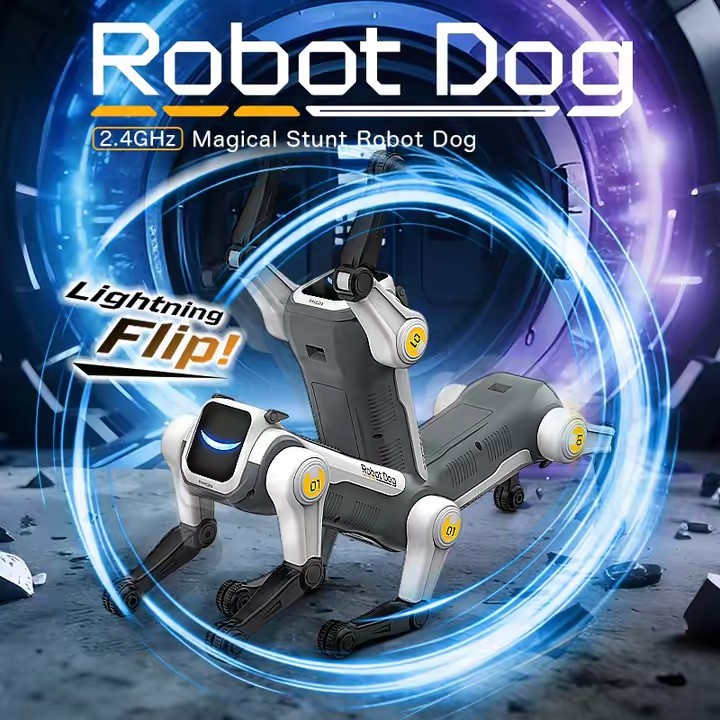 @The Fun Finds▶ 409
 @The Fun Finds▶ 2.7K
 @The Fun Finds▶ 537
 @Naz▶ 8.7K
 @纯音乐 Pura musica▶ 3K
 @Ribbler▶ 3.2K
 @Flavery Dream▶ 674
 @Nela shop▶ 439
 @Kone Awa 789▶ 297K
 @แม่เกดลูก2 📸▶ 319K
 @Sweetcrispy Plus▶ 1.1M
 @sharelovewithus▶ 116K
 @LaCaverne▶ 846K
This is one viral prompt from the Clipcat AI video prompt library. There are millions more real viral AI shoppable videos and prompts here, free to search and copy by market, product category and video type.
Browse the libraryClipcat.ai is the AI video marketing automation platform trusted by TikTok sellers, creators and affiliates worldwide. Every AI shoppable video and prompt here is hand-picked to help you spot winners faster and make better ones.