The real problem is not finding prompts
The reference article groups prompt resources into three useful categories: visual galleries, cross-model directories, and open-source GitHub collections. They support fast browsing, broader discovery, and long-term organization.
Do not start by asking which prompt is best. Ask what visual problem the example solves.
For ecommerce work, a useful reference should reveal the product, the user, the action, and the shot that proves the benefit.
How to use three types of prompt resources
| Resource | Best for | Method |
|---|---|---|
| Visual prompt gallery | Choosing style and composition | Inspect the output before studying the prompt |
| Prompt directory | Comparing similar ideas across models | Observe how image and video models express the same concept |
| GitHub collection | Building a team library | Reorganize by category, shot, and purpose |
The source article mentions OpenNana, AI Prompt Nav, Promptfill, and several Nano Banana repositories. Availability and collection sizes can change, so verify each source before depending on it.
Seedance prompts are not image prompts with extra adjectives
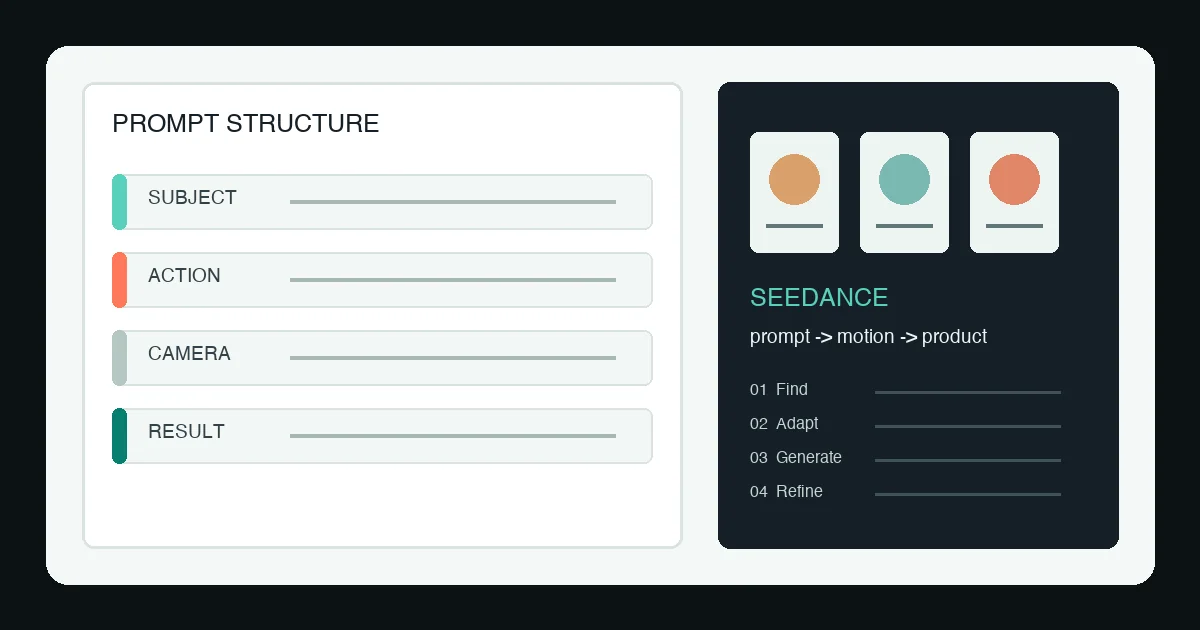
Nano Banana and other image models answer what one frame should look like. Seedance must also answer what happens next. Moving from image to video therefore requires time, action, camera direction, and a clear end state.
Image prompts define a static frame
- Subject and product appearance
- Composition and background
- Material, color, and lighting
- Brand constraints
Video prompts define continuous change
- Starting position of person and product
- Order of actions
- Camera movement and shot size
- Final visual state
- Pacing and duration
Adapt inspiration into a product-ready prompt
Copying a popular prompt often preserves the style but loses the product. Keep the structure and replace the content.
[GOAL] Create a [duration] product video that solves [customer problem].
[SETTING] Location, time, lighting, background, and audience.
[PRODUCT] Color, material, shape, and details that must stay consistent.
[ACTION] Starting state, sequence of actions, and visible result.
[CAMERA] Shot size, angle, movement, and transitions.
[VOICEOVER] One benefit per line.
[CONSTRAINTS] No invented claims, packaging changes, or extra parts.
If you already have a reference video, use Clipcat’s video-to-prompt tool to extract actions and shots, then use viral video cloning to adapt the structure. To begin from product images, open the AI TikTok video generator and build variants around one primary benefit.
Build a prompt library you can reproduce
After every generation, record the model, prompt, input assets, successful shots, and failure reasons. Over time, this becomes a category-specific system rather than a folder of links you cannot reproduce.
- Fashion: fabric, silhouette, walking motion, and full-body framing
- Beauty: hand movement, texture, application, and before/after state
- Home: spatial scale, installation, and functional change
- Pet products: animal behavior, interaction, and safety boundaries
Frequently asked questions
How are Seedance prompts different from image prompts?
Image prompts define a subject, composition, material, and lighting. Seedance prompts also define action, camera movement, timing, and an end state.
Should I copy a Seedance prompt exactly?
Use examples to learn structure, then replace the product, person, setting, action, and brand constraints before testing.
How can Clipcat turn a reference video into a prompt?
Use the video-to-prompt tool to extract scenes, shots, actions, and pacing, then adapt the result to your product.
Turn a reference into your product video
Extract the structure, replace the product, and use Clipcat to generate and refine.
Build your promptThis guide was independently developed from the Tencent Cloud Developer article “Where to Find Nano Banana and Seedance Prompts.” Resource names are included for informational context.