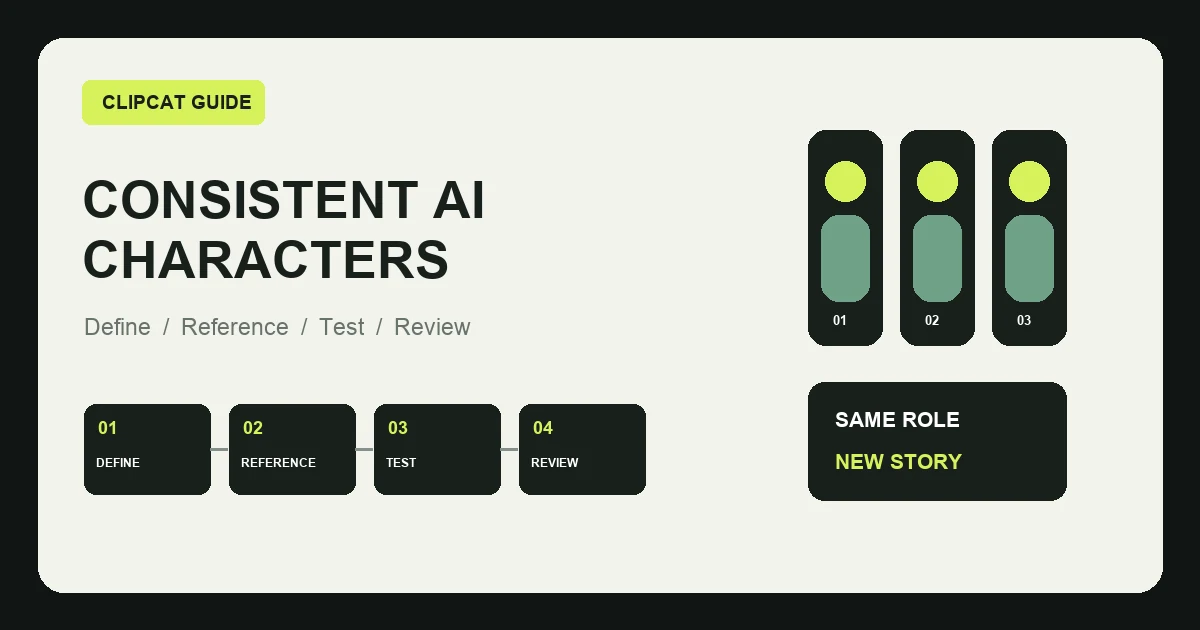
When teams generate TikTok product videos at scale, the on-screen person may change face shape, hairstyle, apparent age, clothing, or voice between shots. Small differences become more visible across a full account and make the creative library harder to manage.
“Keep the person consistent” is not enough as a prompt. A more dependable workflow defines the character, supplies coherent references, locks the identity variables, and tests difficult shots before scaling.
What is AI character consistency?
AI character consistency means that one virtual person remains recognizable across shots and videos. Stable features may include face, hair, age range, skin tone, body proportions, voice, communication style, and recurring settings.
Why does consistency matter for TikTok commerce?
- It makes a product account and recurring series easier to recognize.
- One character can own a clear role: host, demonstrator, reviewer, or stylist.
- Viewers enter a familiar context faster.
- The team builds a reusable creative asset instead of starting over.
1. Define the character's job first
Do not begin with a visually attractive portrait. Start with the product category, customer, recurring setting, format, speaking style, and language needs. “A young renter who demonstrates small-space organization” is more actionable than “a young woman.”
2. Create a compact character brief
| Field | Example |
|---|---|
| Role | Commuter-product demonstrator |
| Age and appearance | 25–30, straight medium-length black hair |
| Wardrobe | Simple everyday office clothing |
| Delivery | Short sentences, calm and natural |
| Recurring settings | Entryway, desk, commuter-bag organization |
| Avoid | Exaggerated acting, formalwear, busy backgrounds |
3. Prepare coherent character references
Useful references include a front portrait, three-quarter view, standing full body, standard outfit, natural expression, and typical environment. Keep lighting clear and avoid contradictory hair, makeup, or styling. Obtain the necessary likeness and commercial-use rights for real-person material.
4. Separate fixed and variable attributes
Lock facial identity, apparent age, hair, body proportions, and communication style. Allow the action, product, framing, setting, and minor accessories to change. Too many locked details make content repetitive; too few make the identity drift.
5. Control wardrobe, lighting, camera, and voice
Wardrobe
Use one base outfit for a series and adjust only small accessories when needed.
Lighting and camera
Start with clear natural light, medium shots, close-ups, and stable camera positions. Wide lenses near the face, harsh backlight, and dark scenes can change facial appearance.
Voice
Keep voice type, pace, energy, pronunciation, and pause patterns stable. A multilingual character can change languages while retaining the same overall delivery style.
6. Produce three foundation clips
Test a direct-to-camera segment, a product demonstration, and a wider contextual shot. Compare identity, hair, age, hands, voice, and product scale. Learn which shot type drifts before producing a large batch.
7. Build a reusable production template
Character role:
Fixed facial features:
Hair and base wardrobe:
Voice and pace:
Recurring settings and framing:
Allowed changes:
Prohibited changes:
Product facts:
Current script:
A stable character does not require repetitive content. The same host can test new problems, hooks, product categories, demonstrations, and benefits.
How can Clipcat fit into this workflow?
Clipcat supports reusing custom characters or character references in supported generation workflows and can create talking-head, UGC, fashion, or product-demonstration content from product inputs. The available character methods depend on the current model and interface configuration.
- Define the role and prepare authorized reference material.
- Create a base character and lock the identity attributes.
- Change the script, product, action, and necessary setting.
- Review the character and product shot by shot.
- Keep only versions that meet the character standard.
Use the TikTok selling-video prompt library to study suitable formats, create foundation clips with the AI TikTok video generator, and organize reference shots with the reverse video prompt tool.
These tools can reduce repeated setup. They do not guarantee a perfectly identical person in every complex shot.
Keep product interaction realistic
Provide clear multi-angle product images, simplify each action, split long procedures into short shots, and specify the correct grip. Use real close-ups for packaging text, precision steps, or claims that require proof. A consistent host cannot compensate for an inaccurate product.
When should you use real footage instead?
- Demonstrations that must prove cleaning, materials, durability, or test results.
- Installation, repair, disassembly, or safety-critical procedures.
- Content based on a genuine customer's experience.
- Professional advice, sensitive products, or claims requiring credentials.
Pre-publish checklist
Character
- Face matches the reference
- Hair, age, and skin tone are stable
- Wardrobe and voice fit the brief
Product
- Color, structure, and text are accurate
- Grip and scale are credible
- No invented function appears
Content
- One clear user problem
- Natural delivery and clear role
- No fabricated experience or data
Rights
- Likeness and voice are authorized
- Assets allow commercial use
- Platform rules are checked
Frequently asked questions
Why does the person change between AI video shots?
Common causes include inconsistent references, a vague brief, large styling or lighting changes, and complex camera or body movement.
Can prompts alone keep an AI character consistent?
Prompts help, but are rarely sufficient. Combine a defined brief, coherent references, and controlled generation conditions.
Can one character make videos in several languages?
Yes. Keep appearance and delivery style stable while rewriting each script for the target market instead of translating word for word.
Can Clipcat keep a character consistent across videos?
Clipcat supports reusing custom characters or character references in supported workflows to improve consistency. Results still depend on the material, model, movement, and scene.
Can a digital character claim long-term product experience?
Do not fabricate customer experience. Present verified functions, demonstrate use, or explain appropriate use cases.
Final takeaway
Character consistency includes role, appearance, voice, delivery, and recurring context. The practical sequence is: define the role, create the brief, prepare references, lock identity attributes, produce foundation clips, build a template, and review every output.