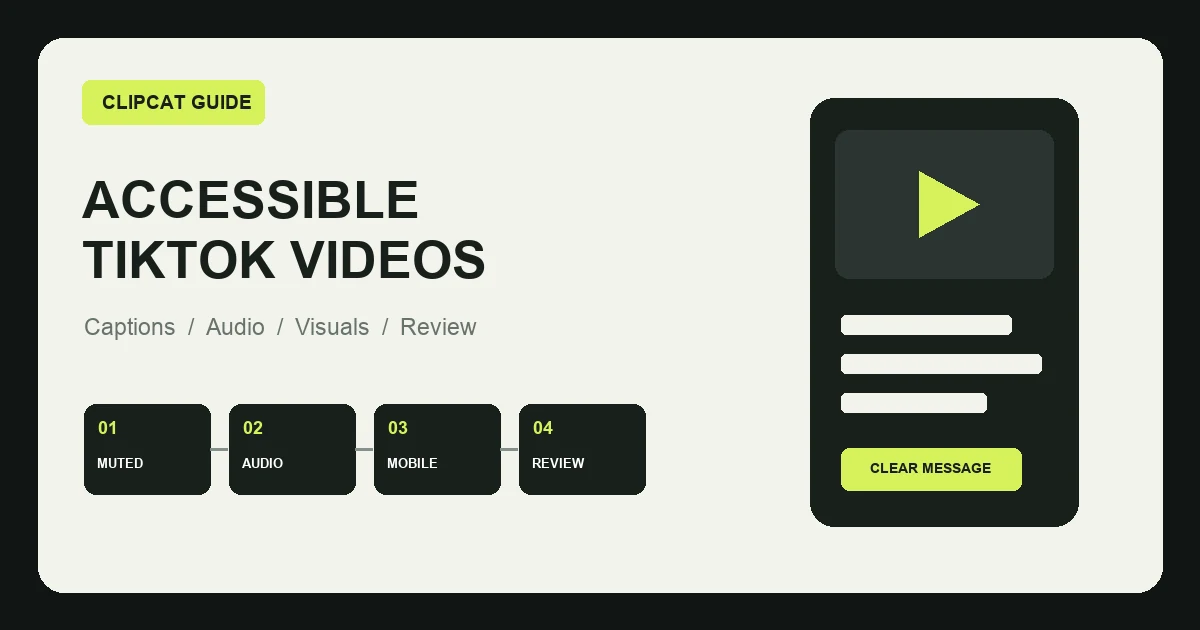
Product video teams often optimize hooks and visual polish without asking whether viewers can actually receive the key information. People may browse with sound off, in noisy places, on small screens, or with difficulty hearing speech and reading low-contrast text.
What is short-form video accessibility?
Accessibility uses captions, audio, visuals, and information structure to make content understandable to more people. A useful baseline test is: with the sound off, can a viewer identify the product, understand the action, and explain the main point?
Captions are not a full transcript
Word-for-word captions can overload a small screen, hide the product, and obscure the key message. Summarize the essential information and let visible actions carry what the viewer can already see.
Control length and reading time
- Communicate one main idea per caption and use short sentences.
- Break lines at natural pauses without splitting product names.
- Keep captions synchronized with the related shot.
- Extend the shot instead of shrinking the text.
- Manually verify product names, models, numbers, and units.
Use safe placement and reliable contrast
Avoid screen edges, bottom overlays, right-side controls, faces, hands, and product details. Preview on a real phone. Use outlines, shadows, or a restrained background panel so text remains readable across changing scenes.
Prioritize clear speech over extra energy
Check pace, pronunciation, numbers, units, pauses, multilingual delivery, and lip synchronization. Background music should support the rhythm without competing with the voice.
Provide visual equivalents for meaningful sounds
If a beep, timer, level change, or operating sound communicates product status, add a visible label such as “beep confirms setup” or “level two running.”
Do not use synthetic audio to impersonate a customer or clone an identifiable person's voice without permission.
Show product actions instead of explaining them only in speech
If the narration says “hold for two seconds,” show the button, finger action, state change, and result. Use close-ups for precision and medium shots for the relationship between person and product.
Give important shots enough time
Dimensions, procedures, package contents, comparisons, variants, and warnings often need longer shots. Ask a person unfamiliar with the product to watch once and explain the operation afterward.
Do not encode meaning with color alone
Combine color with labels, icons, shapes, position, or narration. A green outline should also say what the recommended option is for.
Avoid unnecessary flashing
Use a clear first frame, meaningful movement, and stable caption styling. Reduce rapid color changes, repeated flashes, and transitions that add no information.
Recheck accessibility after localization
Every language changes caption length, line breaks, reading time, pronunciation, and sometimes units. A fluent reviewer should check the final text and audio.
Clipcat supports multilingual ecommerce video creation and spoken formats from product inputs. Available options vary by the current interface. AI can speed up production, but it does not replace language, product, or accessibility review.
Write accessibility into the AI production brief
Study suitable structures in the TikTok selling-video prompt library, create assets with the AI TikTok video generator, and map the information sequence with the reverse video prompt tool.
Run four accessibility reviews
Captions
Proofread, readable, high contrast, unobstructed, and timed appropriately.
Audio
Clear speech, correct pronunciation, balanced music, and visual sound cues.
Visuals
Visible actions, useful framing, controlled pace, and no color-only meaning.
Content
Understandable when muted, factually accurate, localized, and properly licensed.
Frequently asked questions
Should TikTok product videos include captions?
Captions are usually valuable because they support muted viewing, noisy environments, and viewers who cannot easily understand audio.
Can automatic captions be published without review?
No. Review product names, numbers, units, and technical terms manually.
Are more complete captions always better?
No. Cover the essential information without repeating every spoken word or overloading the screen.
Can Clipcat create TikTok videos with spoken audio?
Clipcat supports spoken ecommerce formats and multilingual versions. Captions, pronunciation, product accuracy, and accessibility still require review.
Does accessibility make a video slower?
Good accessibility removes distracting effects and gives important actions enough time, which usually makes the message clearer rather than simply slower.
Final takeaway
Start with four outcomes: the video makes sense without sound, captions are readable, speech is accurate, and the product operation is visible. These changes help information remain clear across devices, languages, and viewing environments.